
Due to the constant cybersecurity threats caused by fraudulent emails, Summa’s Security team has been working on the implementation of a button in Outlook to report suspicious emails, which will be located at the top right of the «Message» menu bar and will start working from May 23rd. If you receive a suspicious email, you must activate this button so that a ticket is automatically generated in Emma and the case will be followed up.
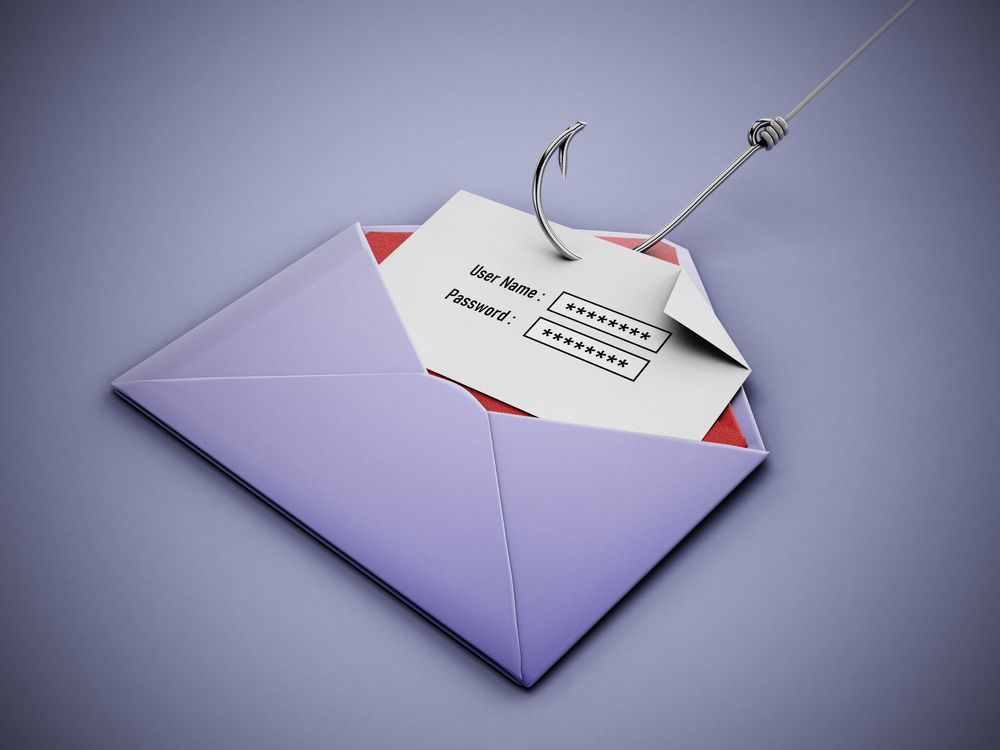
 Remember that phishing is a technique that consists of deceiving the user to steal confidential information, passwords, among other relevant personal data; making him/her believe that he/she is in a totally trustworthy site. These emails or messages include a link that takes the user to a website that is theoretically known but is a copy of the original where confidential information is requested.
How can you prevent this type of attack?
- Learn to identify suspicious e-mails:
- They use names and adopt the image of real companies.
- They carry as sender the name of the company or that of a real employee of the company.
- They include websites that visually look like those of real companies.
- They use gifts or the loss of their own existing account as a hook.
- Verify the source of information of your incoming emails.
- Do not download, open files, or click on hyperlinks or links attached to the email, as they could be hidden and direct you to a fraudulent website.
- Enter your confidential data only in safe webs, which begin with https:// and appear in your browser with the icon of a small closed padlock.
- Do not access from public places.
If you receive a suspicious email report it directly from the «Report phishing email» button.