

How to View Your 401K Quarterly Statements
With our recent switch from Wells Fargo to Principal for our 401K management and the end of the third quarter, you may be wondering where you can view your quarterly statement.
Step 1:
Log on to www.principal.com

Step 2:
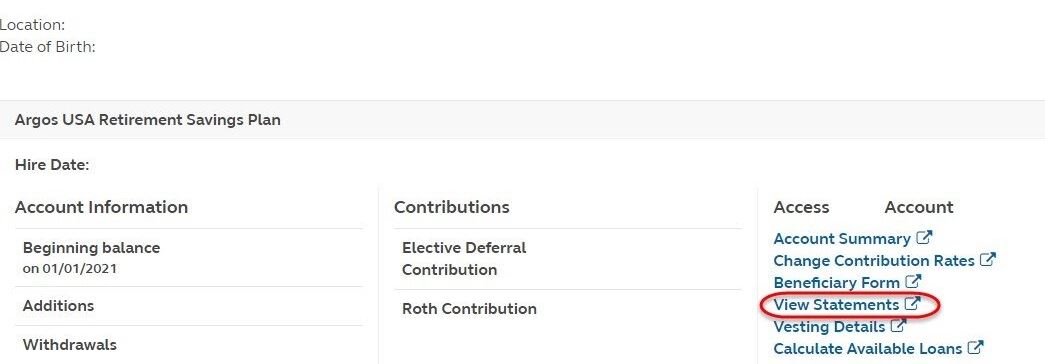
Choose “View Statements.”
Step 3:
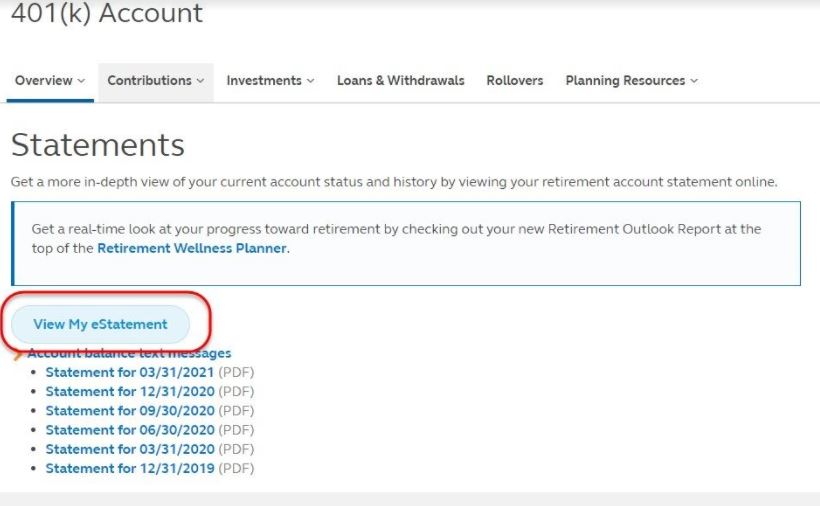
Click on “View My eStatement.”
Step 4:
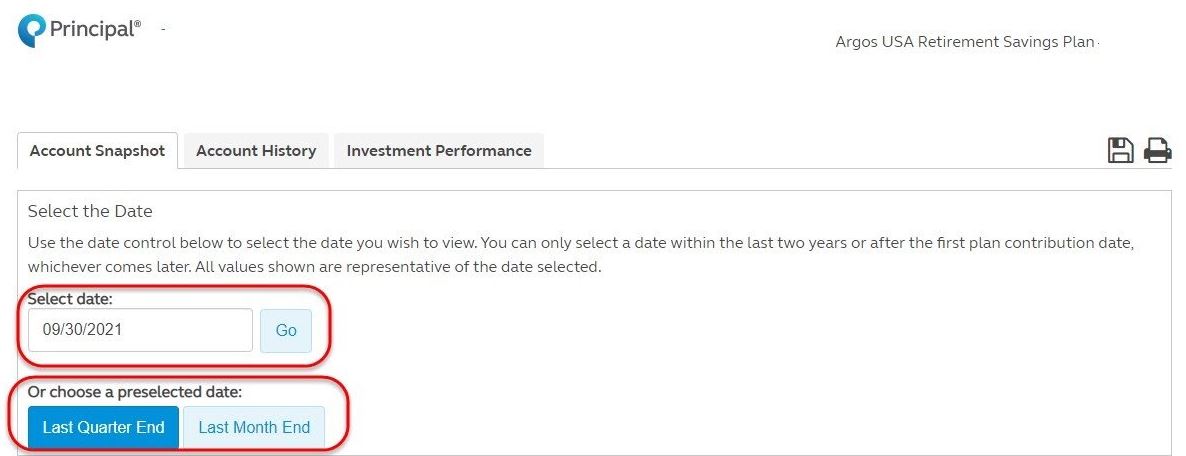
Enter in the date range you would like to view or choose a preselected date.