

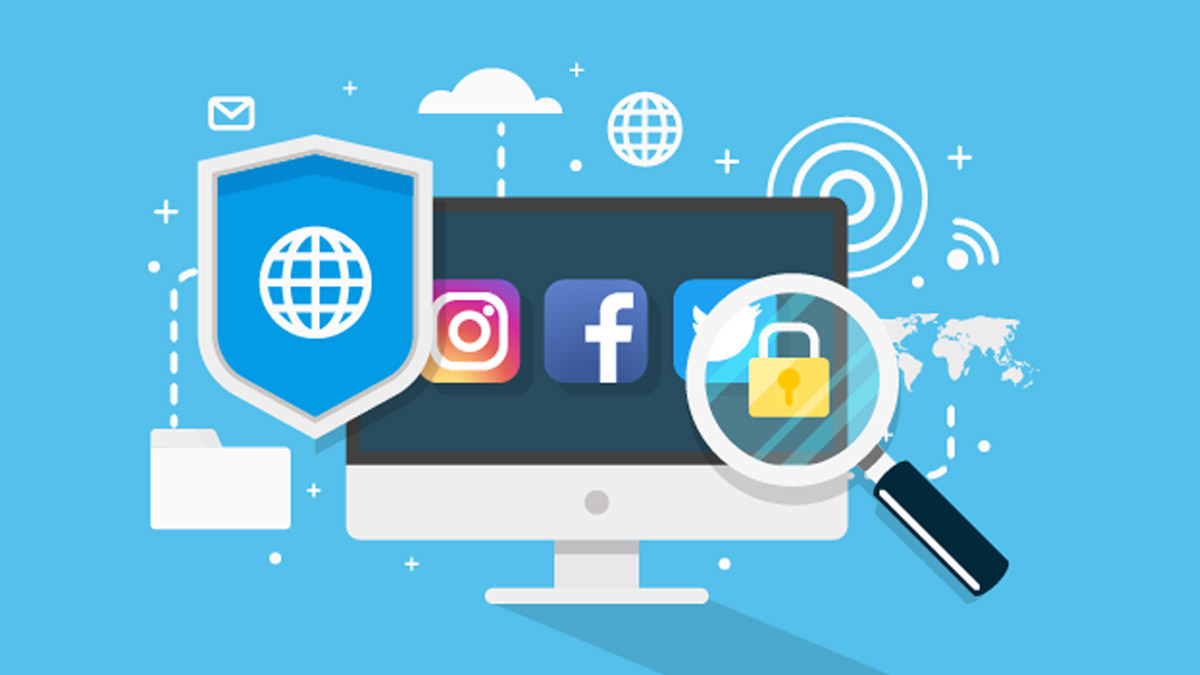
We live in an age where we use social networks on a daily basis. Whether it’s Twitter, Facebook, Instagram or any other. Whether we want to or not, directly or indirectly we are connected to the rest of the world and we are sharing all our personal information, forgetting that, in doing so, our privacy and security take a back seat.
Tips to ensure security on social networks
- Don’t reveal too much personal information and keep private information private.
- Set privacy settings and decide who can see your posts, making sure that the content is visible only to friends and family.
- Protect them with strong passwords and don’t share them with anyone.
- Accept requests only from known people.
- Avoid posts that could damage your reputation.
- Be wary of posts with advertisements, sweepstakes and irresistible offers.
- Be careful with those messages that contain links.
- Facebook, Instagram or any social network will never send a message asking for your credentials.
Enable two-factor authentication.
It is an extra layer of security to all passwords to confirm that you are the legitimate owner of your email accounts, banking passwords or social network profiles.
You can use the same password as always and include an extra step that can be a pin number, secret question, biometric data (such as fingerprint), in short: if an attacker were to discover your password, he would also need the other piece of information (such as the code sent to your mobile or a security key).
Many platforms and applications rely on two-factor authentication to protect their users. The steps might vary for each of them, but in essence, they are all the same:
Settings > Security & Privacy > Two-factor authentication.